The App Store page
Change the pitch the morning a video lands.
Name, subtitle, keywords, description — read live from Apple, in every language you ship, and edited right here. The promotional text goes out without waiting on a review.

App Store
Papyr · 4.1.0 live
Read live from Apple — 39 languages, and you are looking at one of them.
Screenshots
iPhone 6.7" · 6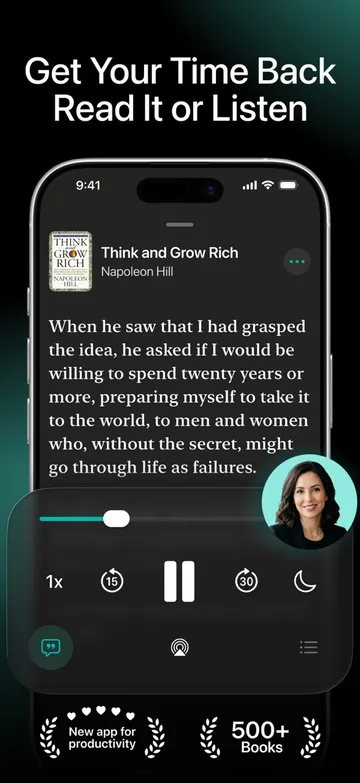 1
1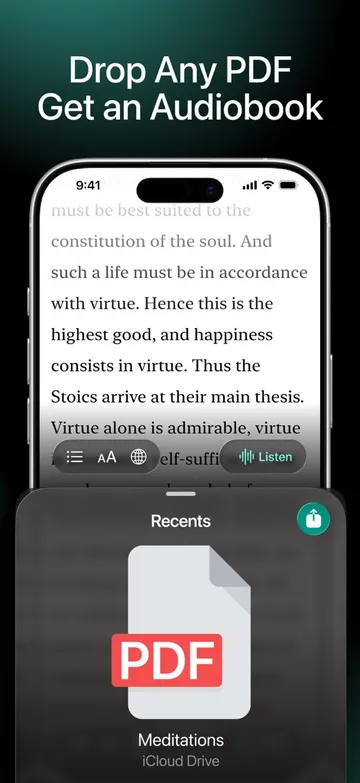 2
2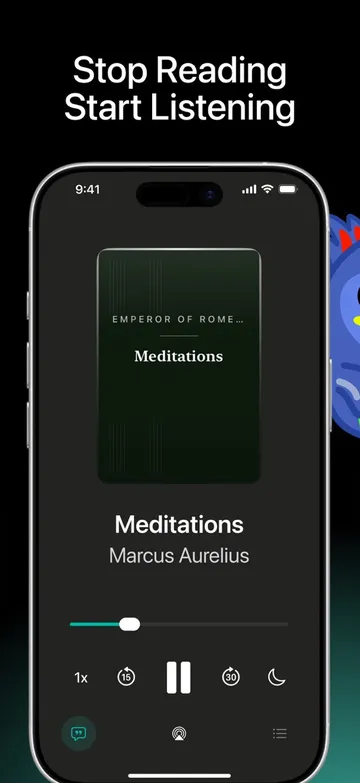 3
3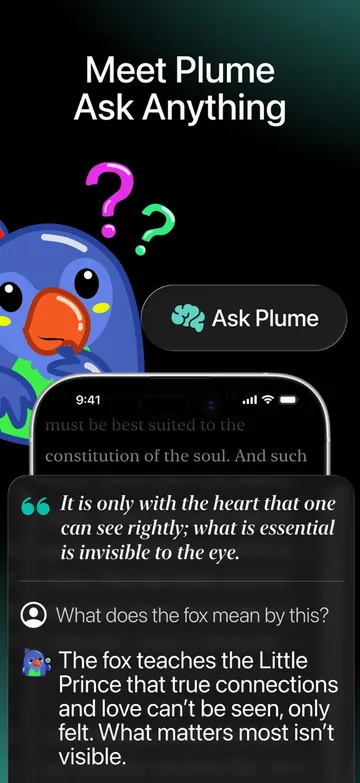 4
4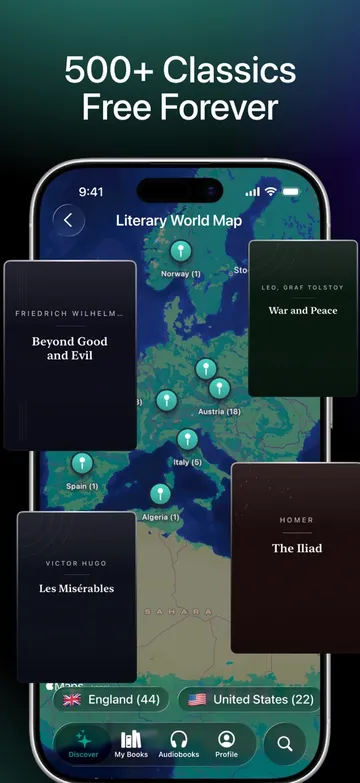 5
5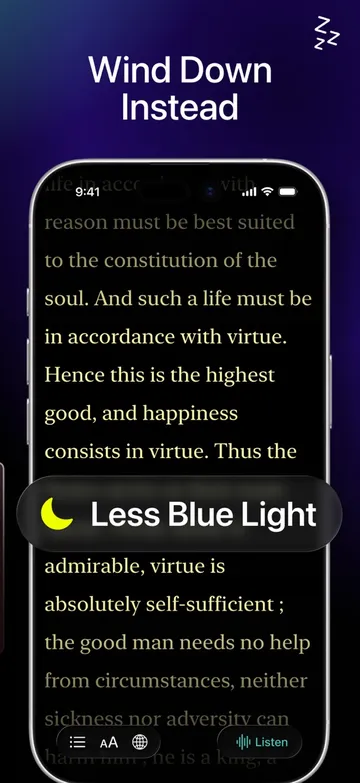 6
6In the order the App Store shows them — the first two are what a shopper sees before swiping.
Promotional text is live. It went out without a review, in all 39 languages you ship.
Forty tabs, and a review you have to wait for.
A video takes off on a Tuesday morning. The shoppers it sends arrive on a store page written four months ago for a different promise. You would change it, except the listing lives in App Store Connect, one language per tab, and most of what you would touch needs a review before anybody sees it.
So the page stays as it is, the spike passes, and the best traffic you will get this quarter reads copy you had already outgrown.
How the listing gets edited.
Read it live
Every field comes straight from Apple, in every language your app is live in, on one screen instead of forty tabs.
Write inside the limits
Apple's real character counts, enforced as you type, with the keyword field graded word by word so you can see what is wasted.
Ship what does not need review
The promotional text goes out without waiting, so the morning a video lands you can rewrite the pitch before lunch.
What that buys you.
Every locale on one screen
The same edit across every language you ship, without opening a tab per country and losing your place.
A keyword field that earns
A hundred characters, graded: what is searched, what is winnable, and what you are paying for twice.
Screenshots in swipe order
The order a shopper actually sees them, so the first two carry the promise instead of the credits.
The specifics
- Source
- Read live from App Store Connect, so the page you edit is the page that is live.
- Languages
- Every localisation your app ships, on one screen.
- Character limits
- Apple's real counts — 30 for the name, 30 for the subtitle, 100 for keywords — enforced as you type.
- No review needed
- Promotional text ships immediately. Name, subtitle, keywords and screenshots go with your next version, as Apple requires.
- Keyword grading
- Each word in the field marked as earning, contested, thin or wasted, and every grade explains itself.
- Requires
- An App Store Connect API key. Creating one takes a few minutes.
Questions people ask.
Can I change my App Store listing without a review?
Some of it. Apple lets promotional text change at any time, so that ships immediately — which is the field that matters on the morning a video lands. The name, subtitle, keywords and screenshots go out with your next version, because that is Apple's rule and no tool can move it.
Does it edit every language?
Yes. Every localisation your app ships sits on one screen, with its own character counts, so you can fix a subtitle in six markets without opening six tabs and losing which one you were on.
Does it enforce Apple's character limits?
As you type, using Apple's real counts rather than an approximation — 30 for the name, 30 for the subtitle, 100 for the keyword field. The counter measures exactly the string you are looking at, separators included.
What does it say about my keywords?
It grades every word in the field: earning its place, searched but locked down, barely searched, or wasting characters outright. Each grade explains itself, so you are not being told to delete a word on faith.
Do my screenshots come across?
They are read from Apple in the order the store shows them, which is the order that matters — the first two are what a shopper sees before swiping, and most listings bury their best one at position four.
Put your app in.
Sign in, connect one account, and watch the first front go live. It takes a few minutes, and the panel tells you what to do next.